Odoo can handle a lot of your business under one roof – finance, inventory, sales, CRM, HR, purchasing and more. But in the real world, most businesses don’t run on Odoo alone.
You may already have a custom business application, an industry-specific portal, an older billing system, an e-commerce platform, or another software solution that your teams rely on every day. The problem is that these systems often operate separately from Odoo, each holding its own set of data.
That is where things start getting complicated.
Teams end up entering the same information into multiple systems. Reports don’t always match. Data gets delayed. And when someone asks for a complete picture of what’s happening across the business, getting an accurate answer can take more effort than it should.
Odoo integration changes that.
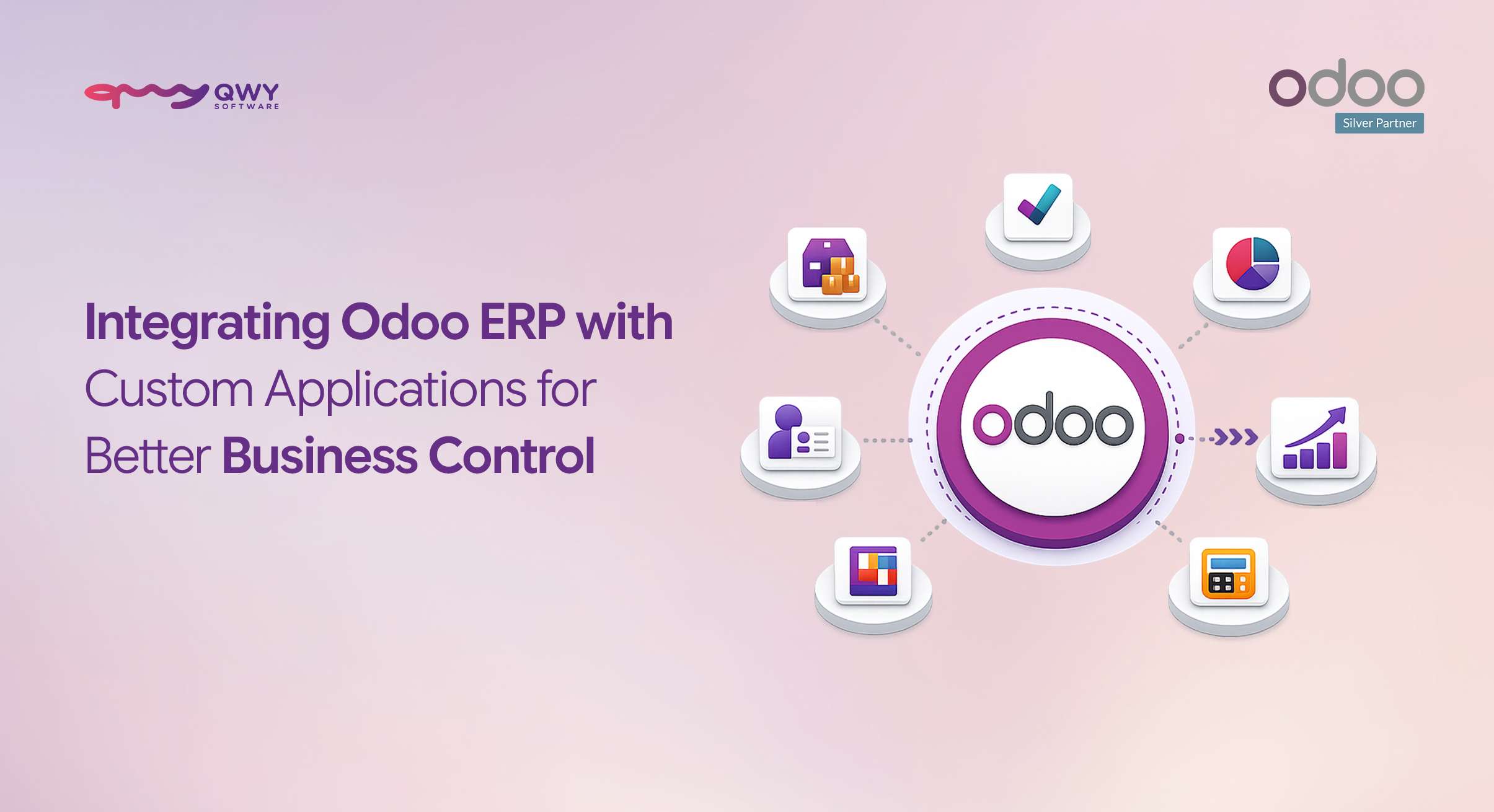
By connecting Odoo with your existing applications, Odoo can become the connected core of your business rather than just another system sitting alongside everything else.
In this article, we’ll look at what better business control actually means, when your business needs Odoo integration, the key integration capabilities to consider and how to build an integration setup that can scale with your business.
What “Better Business Control” Really Means Here
Better business control isn’t about having more dashboards or collecting more data.
It’s about having fewer versions of the truth.
Imagine your sales team sees one order value, your finance team sees another and your operational system has a third version. Even if all three systems have dashboards, you still don’t have control-you have conflicting information.
A properly integrated Odoo environment aims to change that.
Better business control means:
- One reliable set of business data that different teams can trust
- Decisions based on current information instead of outdated exports
- Less dependency on spreadsheets and manual data entry
- Connected workflows between Odoo and your other business applications
- Better visibility across sales, finance, inventory, customers and operations
- Processes that continue working as your business grows
The goal isn’t to replace every system you already use.
It’s to make the systems you need work together.
Signs Your Business Needs Odoo Integration
Not every business needs complex integrations from day one. But if your teams are already working across multiple applications, integration can quickly become less of a convenience and more of a necessity.
Here are some common signs.
Your team copies data between systems manually
If employees regularly copy customer information, orders, invoices, payments, or inventory data from one application into Odoo, you’re spending valuable time on work that software should handle.
Manual data entry also creates another problem: errors.
One incorrect number or missed update can move through several processes before anyone notices it.
Your numbers don’t match across systems
Sales figures in one system don’t match your Odoo records. Finance has a different payment figure. Inventory reports show something else.
When teams spend time figuring out which number is correct, the problem isn’t the reporting-it is the disconnected systems behind it.
Your custom application operates outside your ERP
Many businesses have applications built specifically around their workflows. These applications may be extremely useful, but if they cannot exchange data with Odoo, your ERP only sees part of the business.
Integration allows those applications to become part of the wider Odoo ecosystem.
You can’t create one report across your systems
If you need to export data from several applications, clean it in Excel, combine it and then create a report just to understand what is happening, there is a good chance your systems need better integration.
Adding a new channel or location means rebuilding everything
Growth should not mean starting your integrations from scratch.
A well-designed integration architecture should make it easier to add new applications, sales channels, business units, or locations without creating another disconnected technology layer.
If two or more of these situations sound familiar, integration may be your next major efficiency gain.
Key Features of Odoo Integrations Every Business Should Understand
Odoo integration isn’t simply about connecting two applications. The right approach depends on what you’re connecting, how frequently data needs to move, how much data is involved and what your business processes look like.
Here are some of the key integration capabilities worth considering.
1. Custom Application Integration
Every business has processes that don’t fit perfectly into an off-the-shelf system.
You may have an in-house application, a customer portal, a specialized workflow platform, or software developed specifically for your industry.
Instead of forcing your teams to work around these applications, you can connect them directly with Odoo.
For example, customer information created in a custom application can be pushed into Odoo, while invoices, order information, product data, or status updates can be sent back to the application.
This creates a two-way flow of information and eliminates unnecessary manual bridging between systems.
As a certified Odoo partner and custom software development team, QWY Software builds custom integrations that connect Odoo with business-specific applications and workflows.
2. Third-Party System & API Integration
Businesses rarely operate with one platform.
Payment gateways, e-invoicing platforms, messaging services, external CRMs, accounting applications and other third-party systems may all need to exchange information with Odoo.
API integration makes this possible.
With well-designed APIs, systems can communicate automatically, allowing data to move between platforms based on defined business rules.
For example, an Odoo-based system can be integrated with services for:
- Online payments
- E-invoicing and tax compliance
- WhatsApp communication
- SMS notifications
- External CRM platforms
- Other business applications and services
QWY Software works with third-party APIs and services such as payment, e-invoicing, WhatsApp and SMS platforms to create connected Odoo environments tailored to business requirements.
3. E-Commerce & Sales Channel Integration
If you sell through an online store or multiple sales channels, keeping orders, customers, products and inventory synchronized becomes increasingly important.
Without integration, your teams may have to move order information manually between the e-commerce platform and ERP.
With Odoo integration, information can flow between the systems automatically.
Depending on the business requirement, this can include:
- Customer information
- Product details
- Sales orders
- Order status
- Inventory availability
- Pricing information
- Invoice information
This gives sales and operations teams a more consistent view of the business while reducing repetitive administrative work.
QWY’s experience with e-commerce solutions and Odoo-based commerce integrations helps businesses connect their online sales environment with their ERP processes.
4. Operational System Integration
Many businesses use specialized applications to manage specific operational processes.
Instead of leaving those applications isolated, they can be connected with Odoo so that important information is available across the wider business system.
For example, an external operational application can exchange order, customer, status, or transaction information with Odoo.
The exact integration depends on the business workflow, but the objective remains the same: connect operational data with the ERP instead of keeping it in a separate silo.
5. Finance & Accounting Sync
Finance is one area where data consistency matters most.
Invoices, payments, settlements and reconciliation data often move between different platforms. If these processes depend on spreadsheets or manual updates, even small discrepancies can become difficult to track.
Integrating financial systems with Odoo helps keep accounting information synchronized.
Depending on the setup, integrations can support:
- Invoice synchronization
- Payment updates
- Transaction data
- E-invoice generation
- Bank and payout-related workflows
- Reconciliation processes
QWY develops integrations that connect financial and compliance-related services with Odoo, helping businesses maintain more consistent accounting workflows.
6. Custom Dashboards & Reporting
Integration becomes even more valuable when the connected data can be turned into useful business insights.
Instead of asking teams to collect information from several systems before creating a report, integrated data can feed into Odoo-based dashboards and reporting systems.
This can provide a more unified view of:
- Sales performance
- Inventory
- Finance
- Customer activity
- Operational performance
- Other business-specific KPIs
QWY also develops custom dashboards and reporting solutions within the Odoo framework based on the metrics that matter to each business.
The Right Way to Integrate: Approaches That Actually Scale
Connecting systems is relatively easy.
Building an integration that continues working reliably as your business and Odoo environment evolve is the real challenge.
A few approaches are particularly important.
Native Odoo Modules
When appropriate, integrations can be developed directly within the Odoo framework using Python.
This approach allows the integration to work closely with Odoo’s existing architecture rather than depending entirely on external plugins or disconnected layers.
Native development can also make customization, maintenance and future improvements easier to manage.
REST API Architecture
REST APIs provide a clean way for Odoo and external applications to communicate.
A well-designed API architecture should have clearly defined endpoints, authentication, data structures, error handling and documentation.
This makes the integration easier to maintain and reduces the risk of one small application change breaking the entire workflow.
Middleware and Microservices-Ready Architecture
As businesses grow, they may end up connecting several applications to Odoo.
At that point, creating direct connections between every system can become difficult to manage.
A middleware or microservices-ready approach can provide an additional integration layer, allowing systems to communicate through well-defined services.
This can be particularly useful for businesses handling high transaction volumes or complex multi-system environments.
The difference between an integration that lasts and one that breaks after the next major change often comes down to how it was designed in the first place.
Good integration is architecture-not a quick connection between two systems.
How Integration Gives You Better Business Control
So, what changes when your applications actually start communicating with Odoo?
One source of truth
Sales, finance, inventory and other connected applications can work from consistent information.
Instead of asking, “Which report is correct?”, your teams can work from a more unified data environment.
Real-time visibility
When information flows automatically between systems, decision-makers can work with current data rather than yesterday’s export.
That can make a significant difference when business decisions need to happen quickly.
Less manual work and fewer errors
Every manual data entry step creates another opportunity for mistakes.
Automating data exchange reduces repetitive work and lets employees focus on tasks that require actual decision-making.
Stronger governance
Integration can also improve control over how information moves through your business.
With appropriate access controls, validation rules and defined workflows, businesses can create more consistent processes across connected applications.
Room to scale
A good integration strategy should support growth rather than make it harder.
Whether you’re adding a new sales channel, application, business process, or location, a scalable architecture makes it easier to expand without rebuilding your entire technology stack.
Why the Right Odoo Partner Matters
Anyone can connect two systems.
The real question is whether that connection will remain reliable, secure, maintainable and useful as your business changes.
That is where choosing the right Odoo partner matters.
A strong Odoo integration partner should understand more than APIs. They should understand your business processes, Odoo architecture, custom development, data flows, security and long-term maintenance.
QWY Software combines Odoo expertise with custom software development and integration capabilities.
Our approach includes:
- Certified Odoo expertise
- Native Python and Odoo development
- REST API integrations
- Custom application development
- Third-party system integration
- Scalable integration architecture
- Custom dashboards and reporting
- Ongoing technical support and maintenance
Most importantly, integration shouldn’t be treated as a one-time connection.
Business applications change. APIs get updated. Odoo versions evolve. Workflows become more sophisticated.
Your integration needs to evolve with them.
Industries That Benefit Most from Odoo Integration
Odoo integration can be valuable across industries whenever businesses rely on multiple applications to manage different parts of their operations.
Manufacturing
Manufacturers may use Odoo alongside custom production, quality, machine monitoring, or specialized manufacturing applications.
Integration can connect these systems and provide a more complete view of production and business operations.
Retail & E-Commerce
Retailers and e-commerce businesses often operate across storefronts, marketplaces, POS systems, payment platforms and ERP software.
Connecting these systems can help synchronize customers, products, orders, inventory and financial information.
Field Services
Field service businesses may use specialized applications for scheduling, workforce management, customer communication, or service tracking.
Integrating these systems with Odoo can bring customer, billing, inventory and service information into a more connected workflow.
Distribution & FMCG
Businesses managing large product catalogs, multiple sales channels and high transaction volumes can benefit from connecting their sales, inventory, finance and external business applications with Odoo.
The right integration approach will always depend on the systems already in place, the business workflow, data volume and industry-specific requirements.
That’s why integration should be designed around the business-not the other way around.
Conclusion
Odoo becomes significantly more powerful when it doesn’t have to work alone.
Your custom applications, e-commerce platforms, third-party services, financial systems and other business tools can all become part of a connected technology environment.
The result isn’t simply more automation.
It’s better business control.
You get fewer data silos, less manual work, more consistent information and better visibility into what is happening across your business.
But the quality of the integration matters just as much as the connection itself. A quick workaround may solve today’s problem, but a properly designed integration can continue supporting your business as it grows.
Running Odoo alongside custom applications that don’t talk to each other?
QWY Software, a certified Odoo partner and custom software solutions provider, can help you build native Odoo integrations that connect your systems, automate workflows and give your teams a more unified view of the business.
Talk to our team about your Odoo integration requirements and build a connected system that is ready to scale.